
Teaching video editing through clarity and structure
Punterabol was established in 2018 to deliver practical, accessible instruction in video editing fundamentals. We focus on helping learners build real technical skills through structured lessons that respect the complexity of the craft while making it approachable for those just starting out.
What we actually do every day
Our work centers on creating lecture content that breaks down video editing concepts into manageable steps.
Each course module covers specific tools and workflows used in professional editing software. We don't promise instant mastery. The reality is that video editing requires consistent practice, familiarity with multiple software interfaces, and understanding how visual storytelling principles apply to different types of content. Our instructors prepare lectures with clear demonstrations, walking through real editing scenarios rather than presenting theoretical ideals disconnected from actual project work.
We address common obstacles students face when learning timeline management, color grading basics, audio synchronization, and export settings. Our approach involves showing what works, explaining why certain techniques solve specific problems, and acknowledging when results depend on individual project requirements.
How lectures are structured
Sequential software walkthroughs
Each lesson moves through editing software features in logical order, demonstrating how individual tools connect within complete workflows.
Real project examples
Demonstrations use actual editing scenarios with footage types students will encounter, showing decision-making processes for timing, cuts, and transitions.
Technical troubleshooting
Lessons address common technical issues like codec compatibility, rendering errors, and performance optimization for different system specifications.
Incremental skill building
Content progresses from basic cutting and arrangement to intermediate color correction and audio mixing, allowing gradual capability development.
Who creates the content
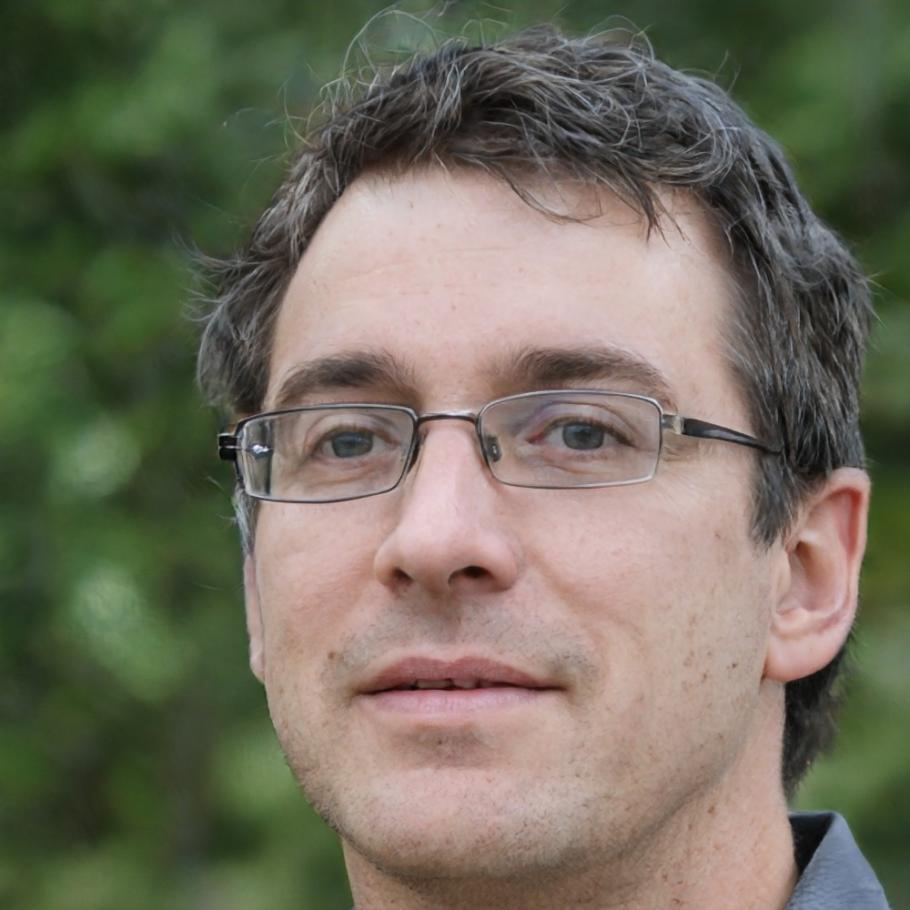
Fintan Isaksen
Lead Instructor
Fintan handles most lecture recording and course structure design.
He has been working with editing software professionally since 2012, focusing primarily on documentary and educational content production. His teaching method emphasizes showing students exactly which buttons to press and why certain settings matter for specific output requirements.
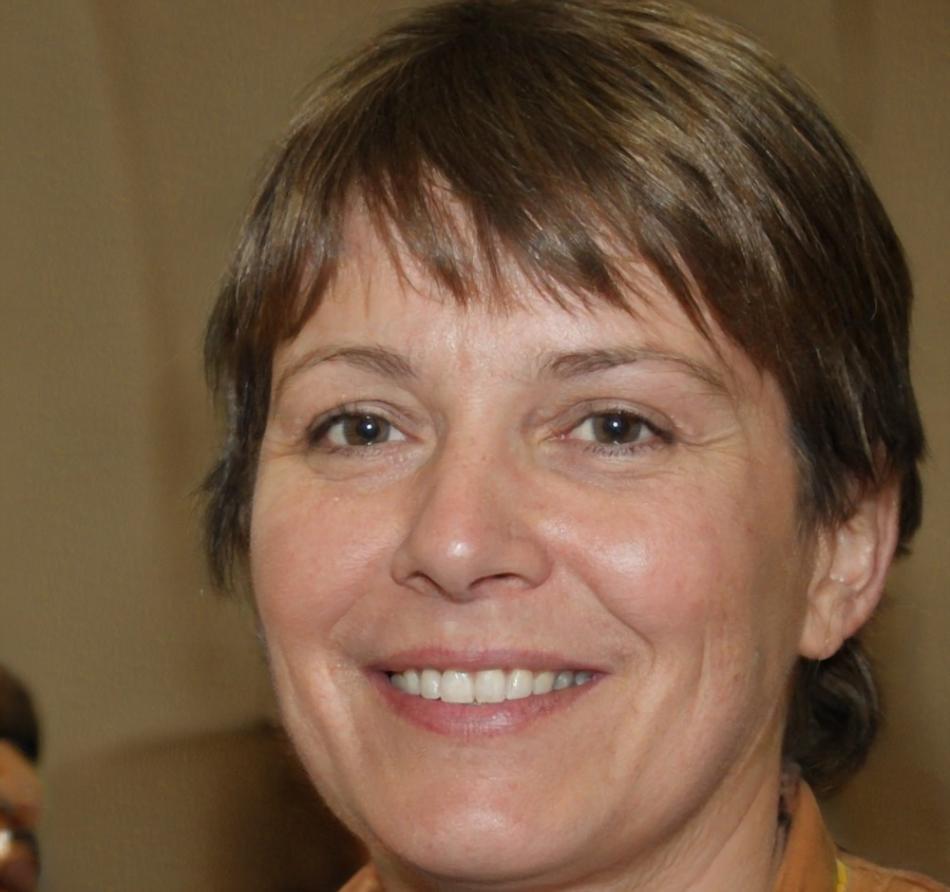
Sunniva Thorsen
Curriculum Coordinator
Sunniva organizes lesson sequences and ensures technical accuracy across modules.
She reviews content for clarity, tests software demonstrations across different operating systems, and updates course materials when software versions introduce interface changes. Her background includes technical writing for media production companies and direct experience with multiple editing platforms.
Learning takes deliberate practice, not inspiration
Video editing skills develop through repeated application of techniques in varied contexts.
Students who follow our course structure typically spend 18 to 26 hours completing foundational modules, then continue practicing with their own footage to reinforce the workflows covered. We track student progress through completed exercises rather than abstract achievement metrics. Our content library includes over 87 demonstration videos covering software tools from basic timeline navigation to advanced keyframe animation. Each lesson presents information without unnecessary storytelling, focusing on what students need to know to complete specific editing tasks competently.