

Learn Video Editing from Foundation to Finish
This course covers the technical and creative skills you need to turn raw footage into polished video content.
You'll work with industry-standard software, learn editing workflows that professionals use daily, and develop an eye for pacing, color, and sound design. Each module focuses on one aspect of post-production, building skills that combine into a complete editing process by the final week.
What the program includes
Timeline Fundamentals
Understanding layers, clips, and sequence settings. Learn how to organize footage and navigate the editing interface without wasting time searching for assets.
Cutting Techniques
When to cut, where to cut, and why pacing changes the emotional impact of a scene. This module focuses on rhythm and viewer attention.
Color Grading Basics
Adjusting exposure, contrast, and color balance to create mood and consistency across shots filmed in different lighting conditions.
Audio Layering
Cleaning dialogue tracks, adding music, and working with sound effects. Audio quality separates amateur work from professional output.
Transitions and Effects
When effects enhance storytelling and when they distract. Learn restraint and intentional design rather than applying filters randomly.
Export Settings
Choosing codecs, bitrates, and formats for different platforms. Your edit means nothing if the final file looks compressed or pixelated on screen.
Workflow Optimization
Keyboard shortcuts, proxy files, and project organization systems that let you work faster without sacrificing quality or losing files.
Final Project
Edit a complete video from start to finish. Apply every skill learned in previous modules and receive detailed feedback on technical execution.
Hours spent matter less than method
Two editors can spend the same amount of time on a project and produce completely different results. Structure and technique make the difference.
Average hours an untrained editor spends on a 6-minute video, often redoing sections multiple times because they lack a clear process or understanding of tools.
Hours needed to complete the same project with systematic workflow, intentional cuts, and confidence in tool choices. Less rework, cleaner results.
Who teaches this course
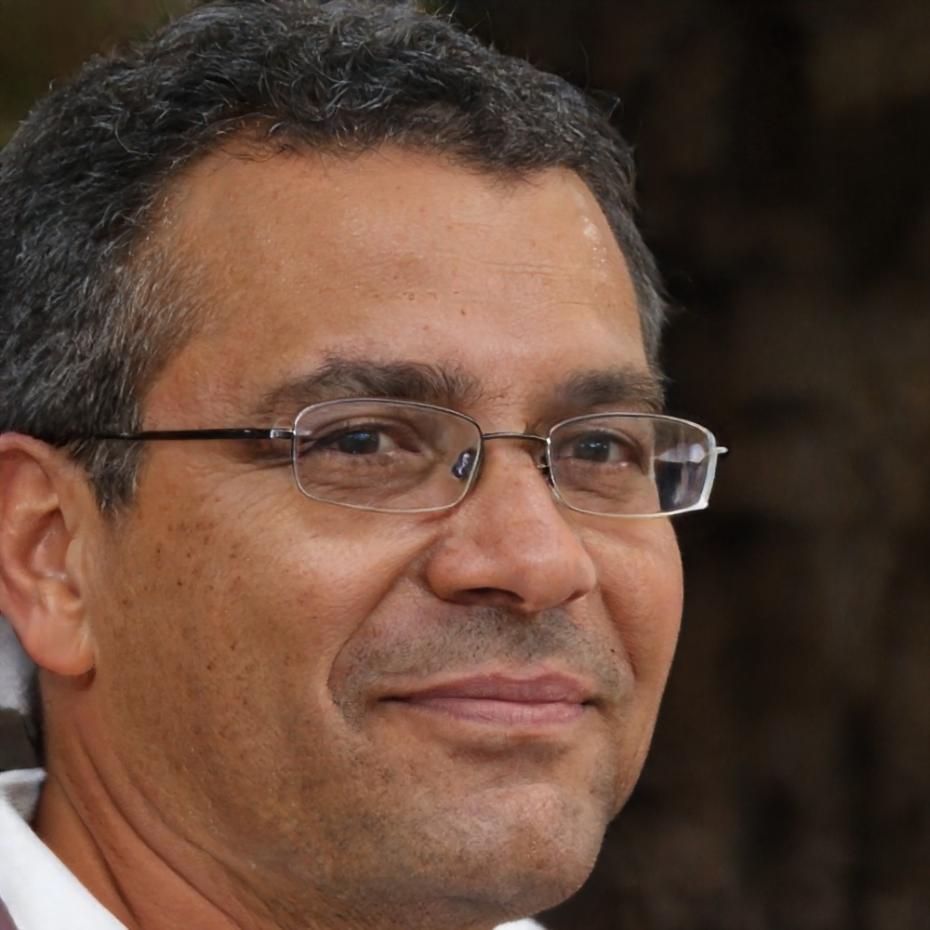
Darren Kelso
Worked on commercial projects for eight years and edited content that aired on regional broadcast networks. Teaches the technical side of editing with focus on efficiency.

Felix Trudeau
Focuses on color grading and audio post. Previously worked in documentary production where sound design and visual consistency were critical to storytelling.
Course details you should know

The program runs for eleven weeks with two live sessions per week. Each session lasts ninety minutes and includes hands-on editing exercises. You'll need access to editing software and a computer capable of handling 1080p video files. Recordings of all sessions remain available for six months after completion.
Expect to spend roughly four hours per week outside of sessions practicing cuts, adjusting color, and completing assignments. Feedback is provided on every submitted project within seventy-two hours. The course has been running since 2018 with curriculum updates each year based on changes in software and industry standards.